The Ultimate Productivity Assistant
Manage Tasks, Bookmarks, Write Notes and Oraganzie Projects. qNotion is the Fastest Way to Get Work Done.

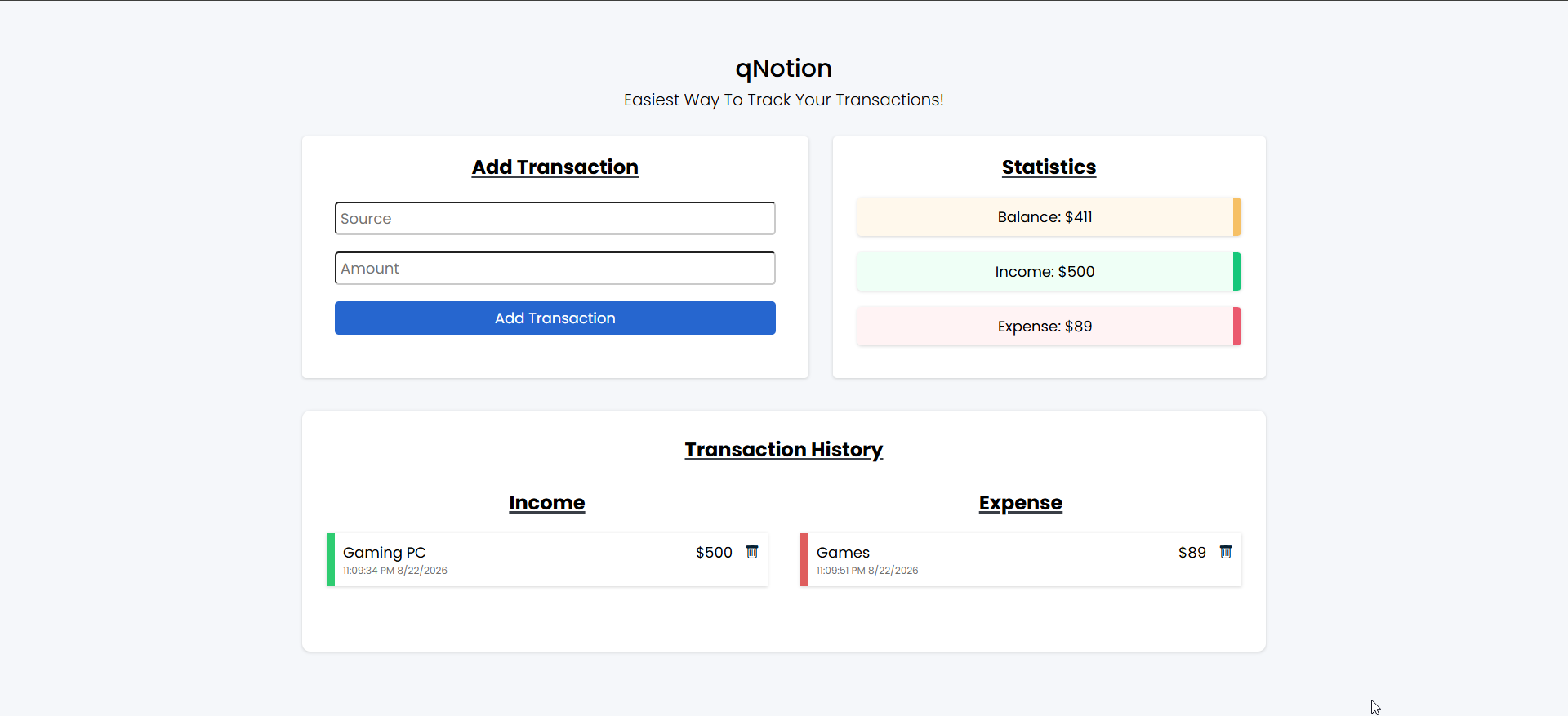
Budget Manager
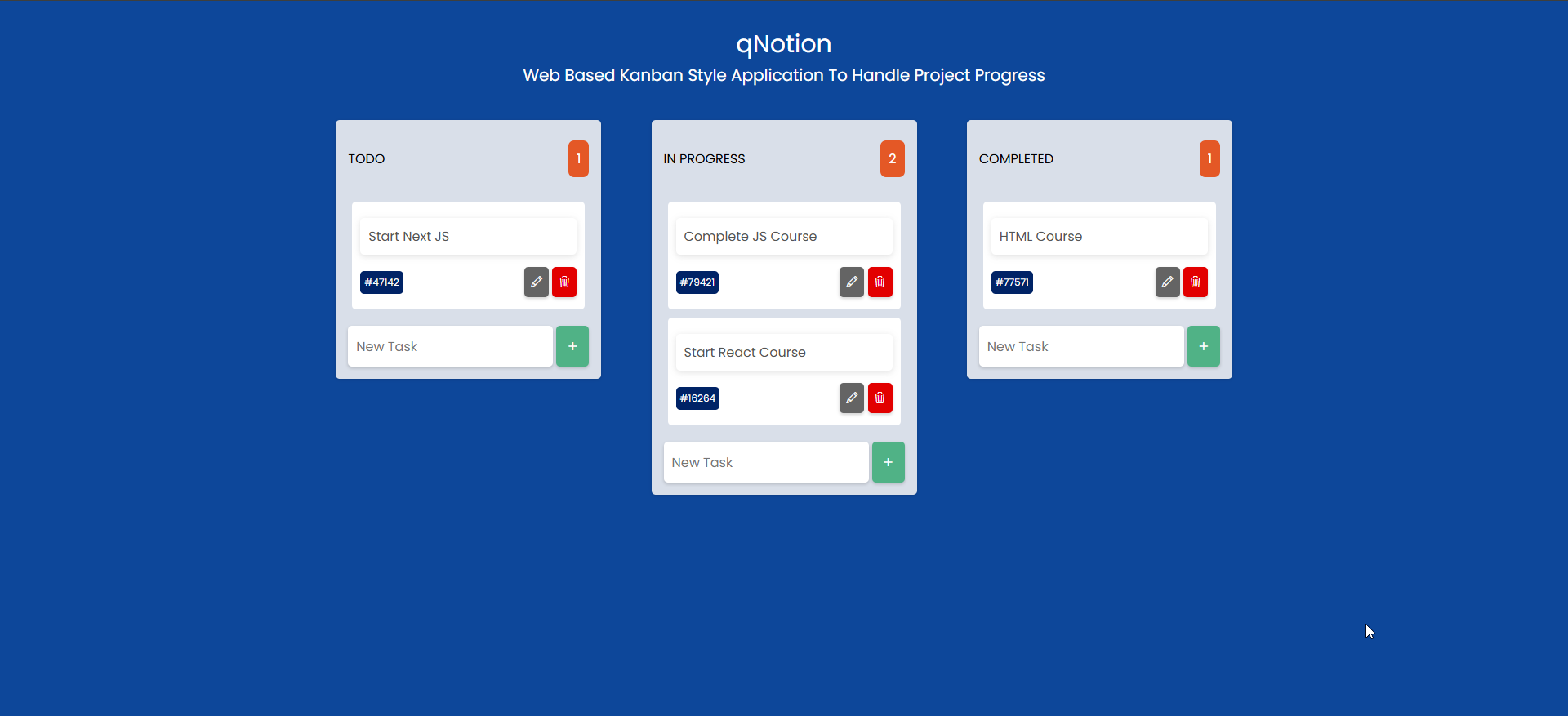
Kanban
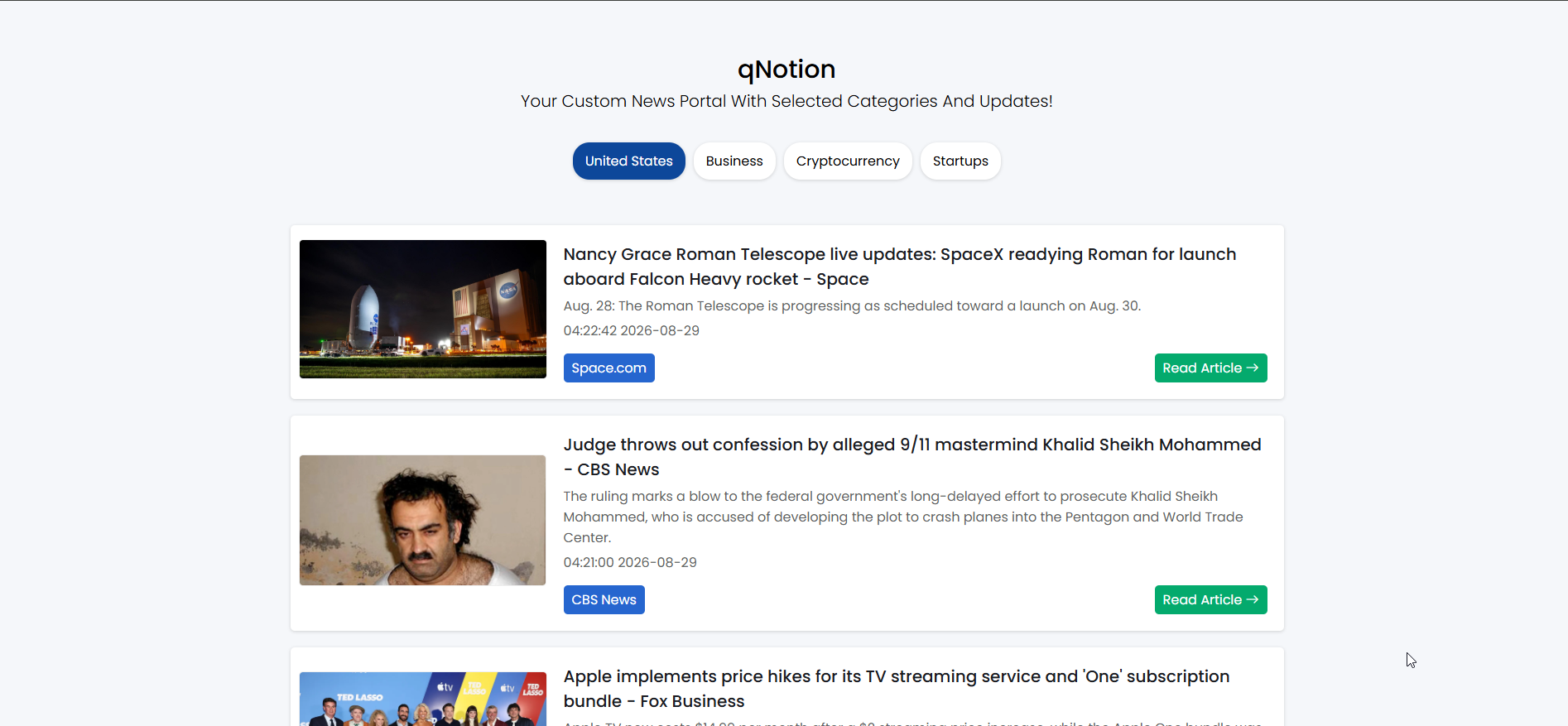
News
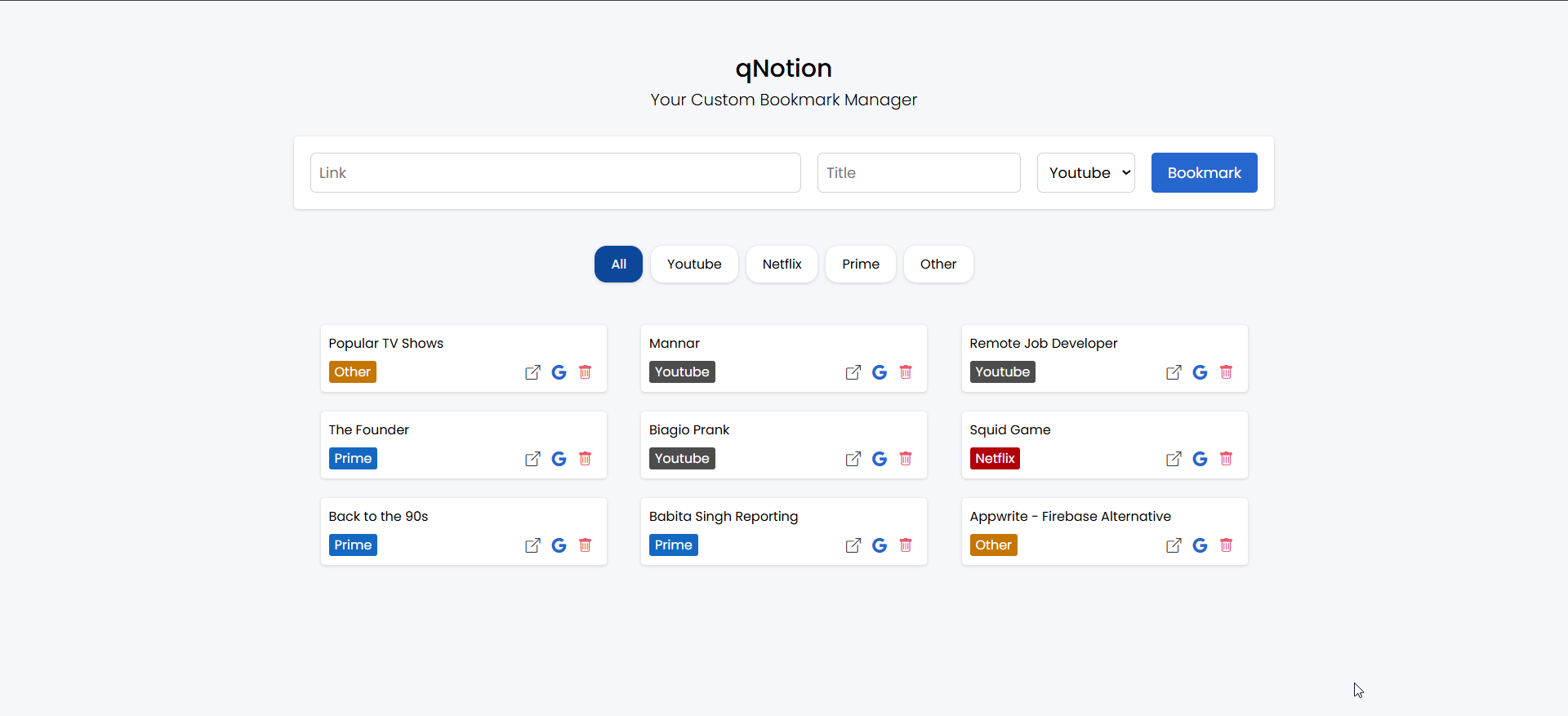
Bookmark Manager
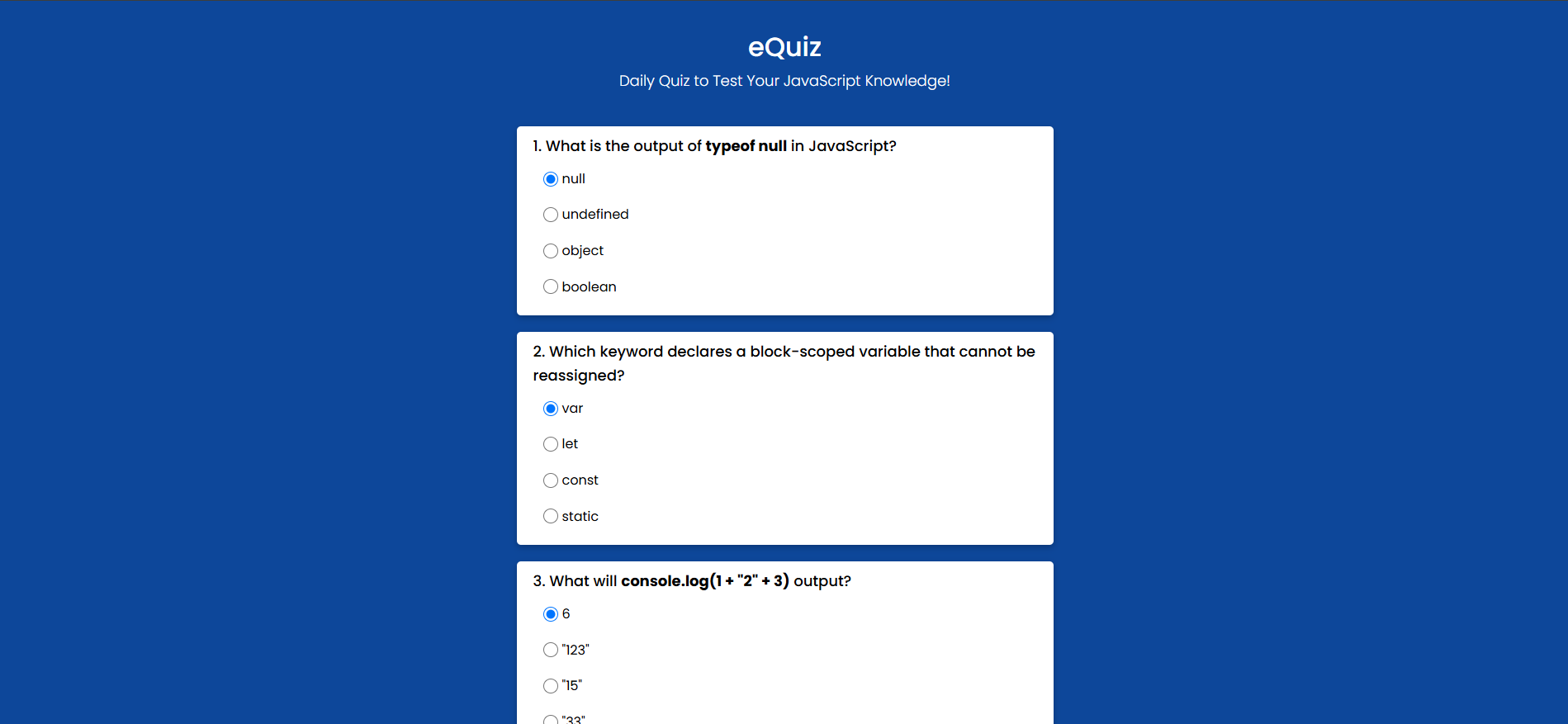
Quiz
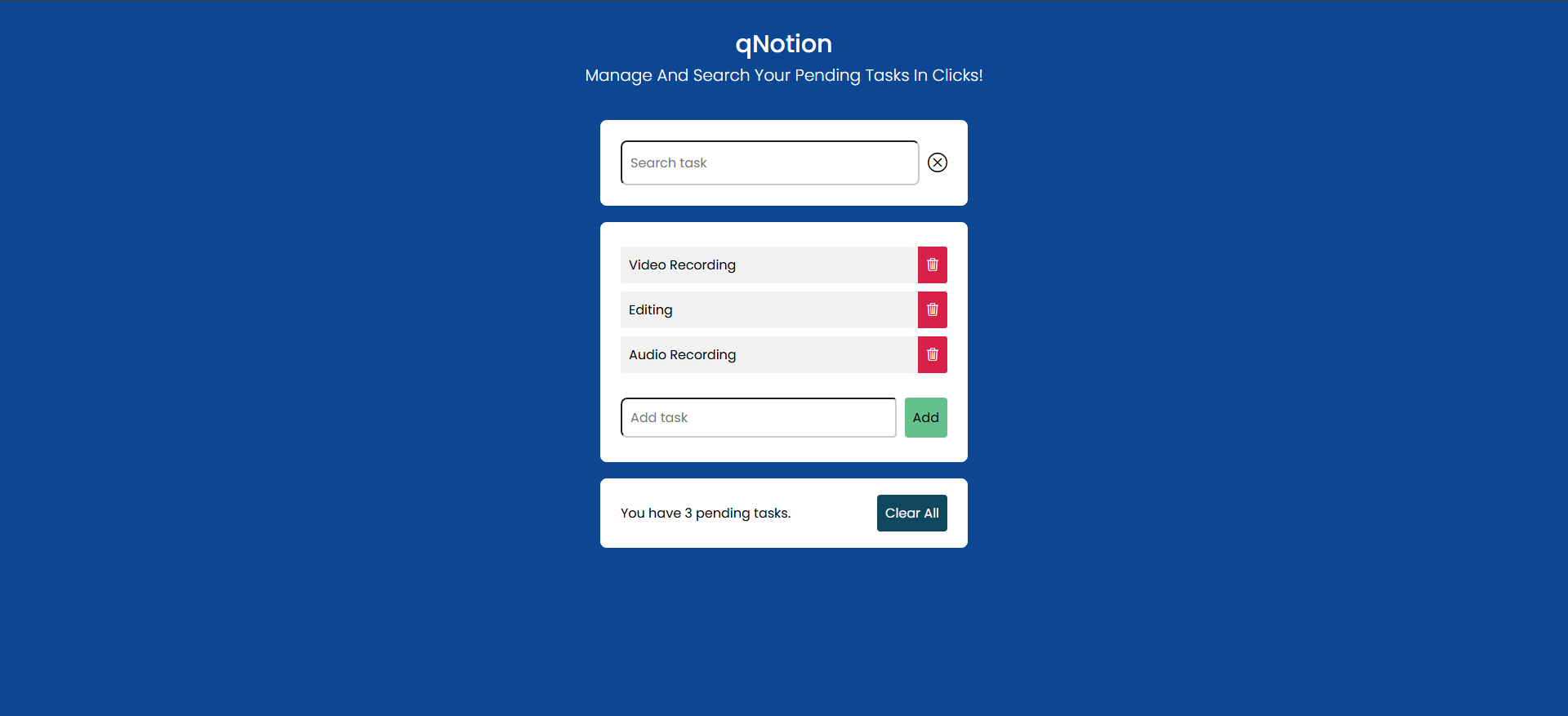
Todo List
Freqently Asked Questions
How does the Quiz feature work?
The Quiz tool lets you test your knowledge on various subjects, study key concepts, and track your learning progress.
How do I use the Bookmark Manager?
The Bookmark Manager allows you to save and organize your favorite links for easy access later.
How do I create a new Todo List?
To create a new Todo List, click on the "Add List" button and enter a name for your list.
How do I mark a task as complete?
To mark a task as complete, simply click on the checkbox next to the task.
How do I delete a task?
To delete a task, click on the "Delete" button next to the task.
How do I edit a task?
To edit a task, click on the "Edit" button next to the task.

Try qNotion Today!
Plan, Organize, and Execute Your Projects.